
The HEIC extension is usually a sign that the Camera app captured the image with High Efficiency selected. It is not an error or an indication that the photo is incomplete.
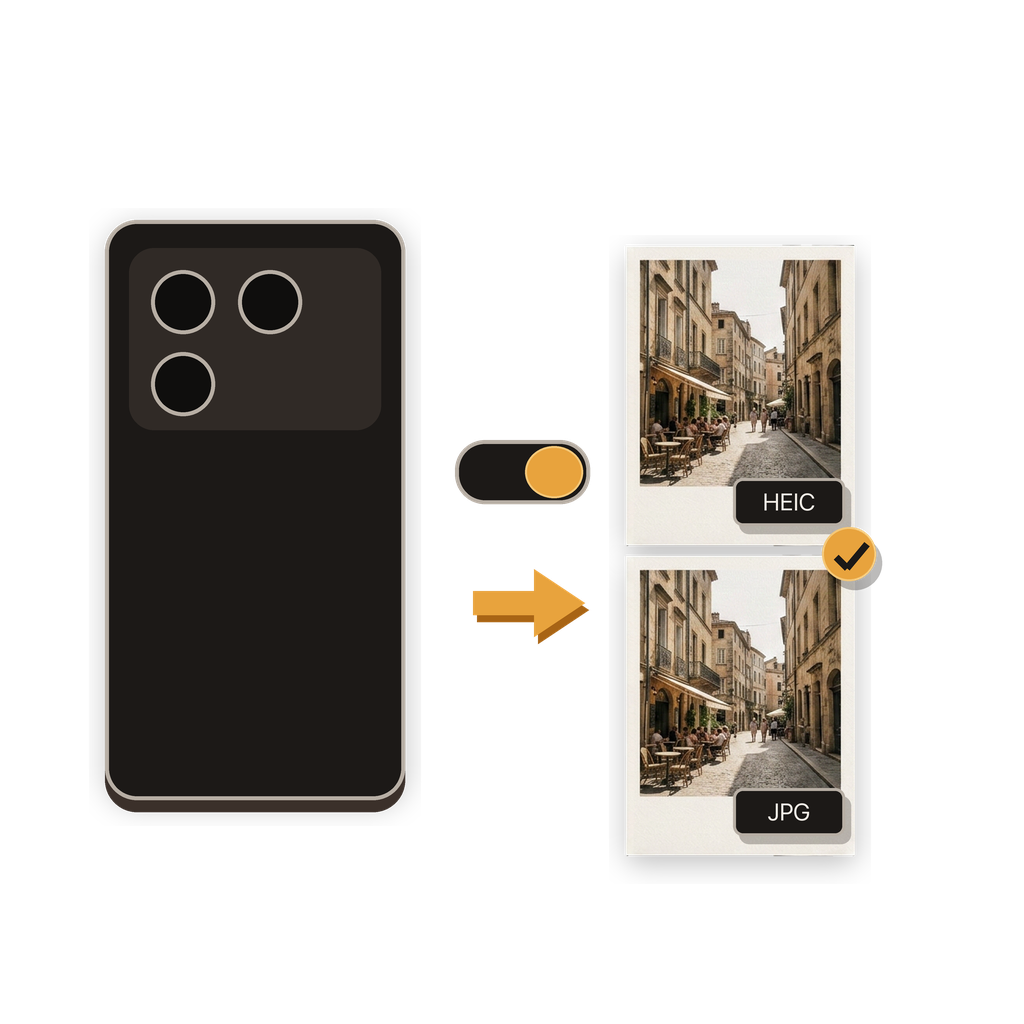
What does High Efficiency mean in Camera settings?
On supported iPhones, High Efficiency tells the Camera app to use HEIF for photos and HEVC for video. A HEIF photo commonly appears with the .heic filename extension.
Apple states that HEIF provides better compression than JPEG while preserving the same visual quality, so the files use less storage on the device and in iCloud Photos.
Why does a HEIC photo sometimes fail to upload?
A destination must understand the file format. Supported Apple operating systems and apps can work with HEIC, but service support varies, and an older app, document system, or upload form may accept only JPG or JPEG.
If the service accepts JPEG but not HEIC and the original opens normally, the problem is likely a format mismatch rather than a damaged photo. Converting a copy to JPG lets you meet the destination requirement while keeping the original HEIC if you still want it.
Does iPhone ever convert HEIC automatically?
Apple notes that some sharing methods may automatically send a more compatible format when the receiving device cannot use newer media formats. USB import can also convert media depending on the Photos transfer setting.
Automatic behavior can be convenient, but it may not provide the same deliberate control as choosing the JPG quality, resolution, metadata, and destination yourself.
What should you do when a service needs JPEG?
Keep the source photo, then create a JPG copy for the service that requires it. Batch HEIC to JPG Converter can convert an iPhone photo to JPG on the device, with controls for quality, resolution, and location information.
If you want all future Camera photos to use JPEG instead, you can change the capture format. That affects new photos; it does not convert existing HEIC files.
Source for iPhone format behavior: Apple Support: Using HEIF or HEVC media on Apple devices.
Common questions
Is HEIC an Apple-only format?
HEIF is an industry-standard format. Apple adopted it for High Efficiency photo capture, and support also exists beyond Apple devices, though compatibility varies.
Are all iPhone photos HEIC?
No. The capture format depends on the device, Camera settings, and feature being used. Most Compatible captures new standard photos as JPEG.
Does HEIC mean the photo quality is lower?
No. Apple uses HEIF for more efficient compression while preserving comparable visual quality to JPEG.
Can I turn HEIC off?
On supported devices, open Settings, tap Camera, tap Formats, and choose Most Compatible for future photos and videos.
Can I convert existing HEIC photos?
Yes. Batch HEIC to JPG Converter can convert one existing photo or a batch to JPG on your iPhone.