A professional handoff is judged by more than whether every filename ends in .jpg. The delivered set should match the agreed requirements, avoid accidental extras, use appropriate dimensions, and be easy for the recipient to identify and open.
What should you confirm before converting event photos?
Ask the recipient which format, pixel dimensions, orientation, and delivery method they require. If they say only ‘JPG,’ clarify whether they expect the available source dimensions or smaller viewing copies. Confirm whether location information belongs in the delivered files.
Complete the editorial selection before conversion. Remove test shots, duplicates, screenshots, and images that are not approved for delivery. Keep photos with different requirements in separate groups so each batch can use a suitable configuration.
How do you prepare the first delivery batch?
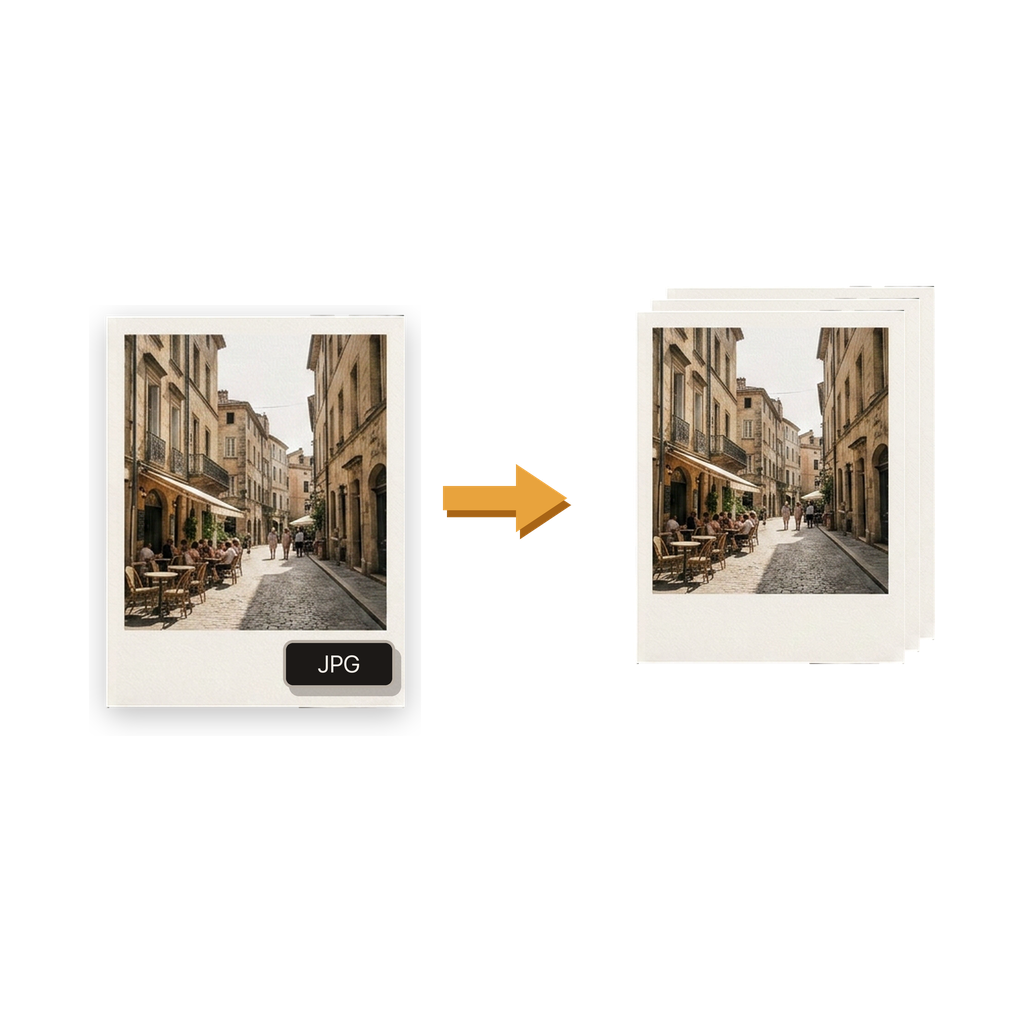
Select the approved HEIC or HEIF images from Photos or Files. In Batch HEIC to JPG Converter, choose the JPG quality, original or adjusted resolution, location-metadata behavior, and a save destination that separates outputs from the source set.
Convert one representative group first when the requirements are new. Open detailed, dark, bright, portrait, and landscape images in the output. If the result fits the brief, use the same configuration for the remaining photos in that requirement group.
What can go wrong when a mass conversion is not planned?
A single oversized selection can hide mixed needs. Some photos may require original resolution, while another delivery channel expects smaller images. Location information may be appropriate for a private archive but unnecessary in client-facing copies.
Unreviewed outputs can also preserve accidental selections or place converted and source files together. The consequence is avoidable rework: the recipient may receive inconsistent dimensions, unwanted metadata, missing images, or files that do not match the agreed destination requirements.
How does the app support delivery, and what does it not provide?
The app converts one photo or a batch on the iPhone, imports from Photos or Files, applies shared JPG quality and resolution choices, and can keep or remove location metadata. It saves results to Photos or Files, supports reusable routines, and keeps local conversion history.
It does not curate the shoot, edit or retouch photos, create a client gallery, rename or sequence a professional delivery, validate a contract, upload the files to a delivery service, or guarantee acceptance by a client system. It also makes no promise about a batch’s speed or maximum capacity.
What belongs on the event-delivery checklist?
Keep a written record of the delivery brief outside the app, then use it while reviewing both the selection and the result. A reusable routine can preserve output choices, but it does not replace a fresh check against the current client’s needs.
- Confirm JPG, pixel-dimension, metadata, and delivery requirements with the recipient.
- Finalize the approved selection before starting the conversion.
- Separate groups that need different settings or destinations.
- Run and inspect a representative group before converting the remaining set.
- Review first, middle, and final outputs plus both image orientations.
- Keep the source HEIC files and the delivery brief until acceptance is confirmed.
Common questions
Can I mass convert HEIC event photos to JPG on iPhone?
Yes. Select a defined batch and apply shared JPG quality, resolution, metadata, and destination choices. Use separate batches when requirements differ within the event set.
Should professional delivery JPGs use original resolution?
Use original resolution when the recipient needs the source pixel dimensions. Choose an adjusted resolution only when it fits the agreed purpose. Ask for the requirement rather than guessing.
Should event photos include location metadata?
That depends on the delivery agreement and intended use. The app lets you keep or remove location information in the JPG outputs; confirm the recipient’s need before choosing.
Can the app organize or rename a client delivery?
The app can save JPG results to Photos or Files, but it does not curate, rename, sequence, or publish a client delivery. Handle those professional-delivery steps separately.
Does a reusable routine guarantee consistent delivery?
A routine preserves a conversion configuration, which reduces repeated setup. You still need to verify the current selection, brief, destination, and representative outputs.
Are event photos uploaded for conversion?
No upload to a remote converter is required. Conversion happens on the iPhone. Any later gallery, email, cloud, or file-transfer service has its own handling rules.