The useful goal is not a mathematically identical file; it is a JPG that preserves the detail your destination needs. Quality, resolution, and repeated processing each affect that outcome differently.
| Choice | Likely effect | When it fits |
|---|---|---|
| Higher JPG quality | Less aggressive compression and a larger file | Detail matters more than file size |
| Original resolution | Keeps the source pixel dimensions | Printing, cropping, or detailed viewing |
| Adjusted resolution | Creates fewer output pixels | A smaller display or upload needs less detail |
| Repeated JPG conversion | Can add further compression loss | Avoid when the source is still available |
Why is HEIC-to-JPG conversion not lossless?
JPEG normally uses lossy compression: it discards some image information to reduce file size. Even at a high quality setting, the output should not be described as a bit-for-bit or lossless copy of the HEIC source.
That does not mean every conversion produces an obvious visual defect. At an appropriate setting, differences may be hard to notice in normal viewing, but the honest claim is preservation of useful visible quality rather than zero information loss.
What JPG quality setting should you choose?
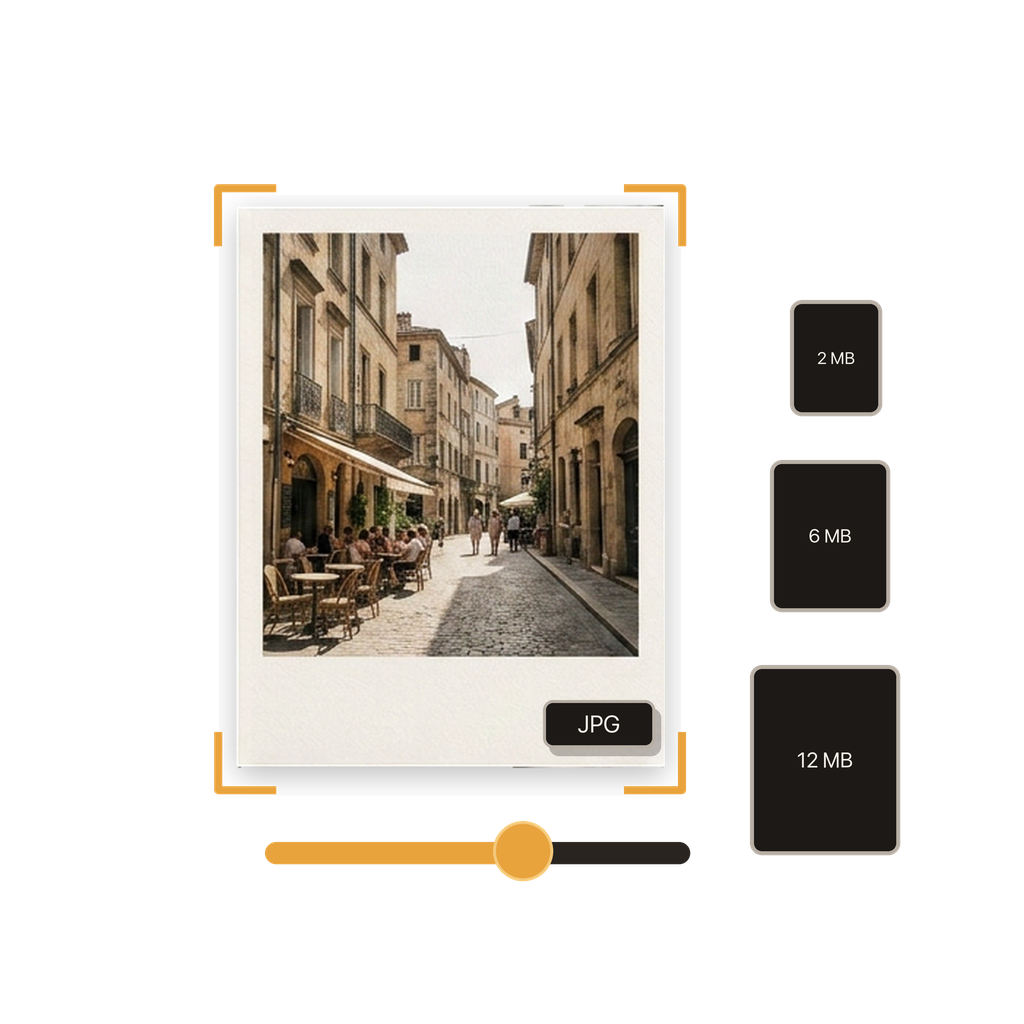
Choose a higher JPG quality when fine texture, text, gradients, or later editing matters. Lower quality can reduce file size, but it may introduce blockiness, ringing around edges, or banding in smooth areas.
There is no universal best number because encoders and destinations differ. Start high when there is no strict size limit, inspect the result, and lower the setting only when the reduced file size is genuinely useful.
Why should quality and resolution be treated separately?
Quality changes how the existing pixels are compressed. Resolution changes how many pixels the output contains. Reducing resolution can be appropriate for a small web image, but it removes dimensions that cannot be recovered by raising the JPG quality afterward.
Keep the original resolution for print, cropping, archiving a delivery copy, or any destination that specifies minimum pixel dimensions. Resize deliberately only when the intended display or file-size limit makes a smaller image useful.
How do repeated conversions affect a JPG?
Opening and viewing a JPG does not itself damage it, but decoding and re-encoding it can introduce another round of lossy compression. Repeated edits and exports may therefore accumulate artifacts.
Return to the original HEIC when you need a different size or quality. In the app, reusable routines can reproduce a preferred output setup, while conversion history helps you identify completed work without using an already compressed JPG as the new source.
How should you check image quality after conversion?
Use Batch HEIC to JPG Converter to select the HEIC from Photos or Files, keep the original resolution, and choose a suitably high JPG quality. Conversion happens on the iPhone, and you can save the output to Photos or Files.
Compare the source and output at the size that matters. Inspect detailed edges, hair or foliage, small text, and smooth skies or walls. Also confirm the pixel dimensions and test the actual destination, because a technically good JPG is still unsuitable if it exceeds an upload limit.
- Keep the HEIC source.
- Begin with high JPG quality and original resolution.
- Inspect detailed and smooth areas in the finished JPG.
- Create a new output from the source when settings must change.
Source for iPhone format behavior: JPEG Committee: JPEG image coding standard overview.
Common questions
Is converting HEIC to JPG lossless?
No. JPEG uses lossy compression, so a JPG should not be described as a lossless copy of a HEIC image.
Does a higher JPG quality preserve more detail?
Generally, yes. Higher quality uses less aggressive compression, though the exact result and file size depend on the image and encoder.
Should I keep the original resolution?
Keep it when full pixel dimensions matter. Reduce resolution only when a smaller output suits the destination.
Why should I keep the HEIC source?
The source lets you create a different JPG later without re-encoding an already lossy JPG.
Does converting on the device improve quality?
On-device processing avoids an upload step, but output quality still depends on the selected JPG quality and resolution. It is not a guarantee of lossless conversion.
Can I use the same quality settings for a batch?
Yes. A batch can apply shared quality and resolution settings, but review representative outputs because different photos compress differently.