A form can reject a photo for several different reasons. Treat its rules as a specification: identify the failed requirement, change only what is necessary, and verify the output instead of repeatedly submitting an unknown file.
Which upload rule is the photo failing?
Read the form’s error message and help text before changing the image. A maximum such as 5 MB is a file-size rule. A requirement such as 2000 × 2000 pixels concerns dimensions. An accepted-formats list that names JPG but not HEIC is a compatibility rule.
These limits can appear together, but they are not interchangeable. Converting HEIC to JPG fixes a format mismatch. Reducing JPG quality or resolution can reduce the resulting file size, while changing only the filename extension does not convert the image.
Should you lower JPG quality or resolution?
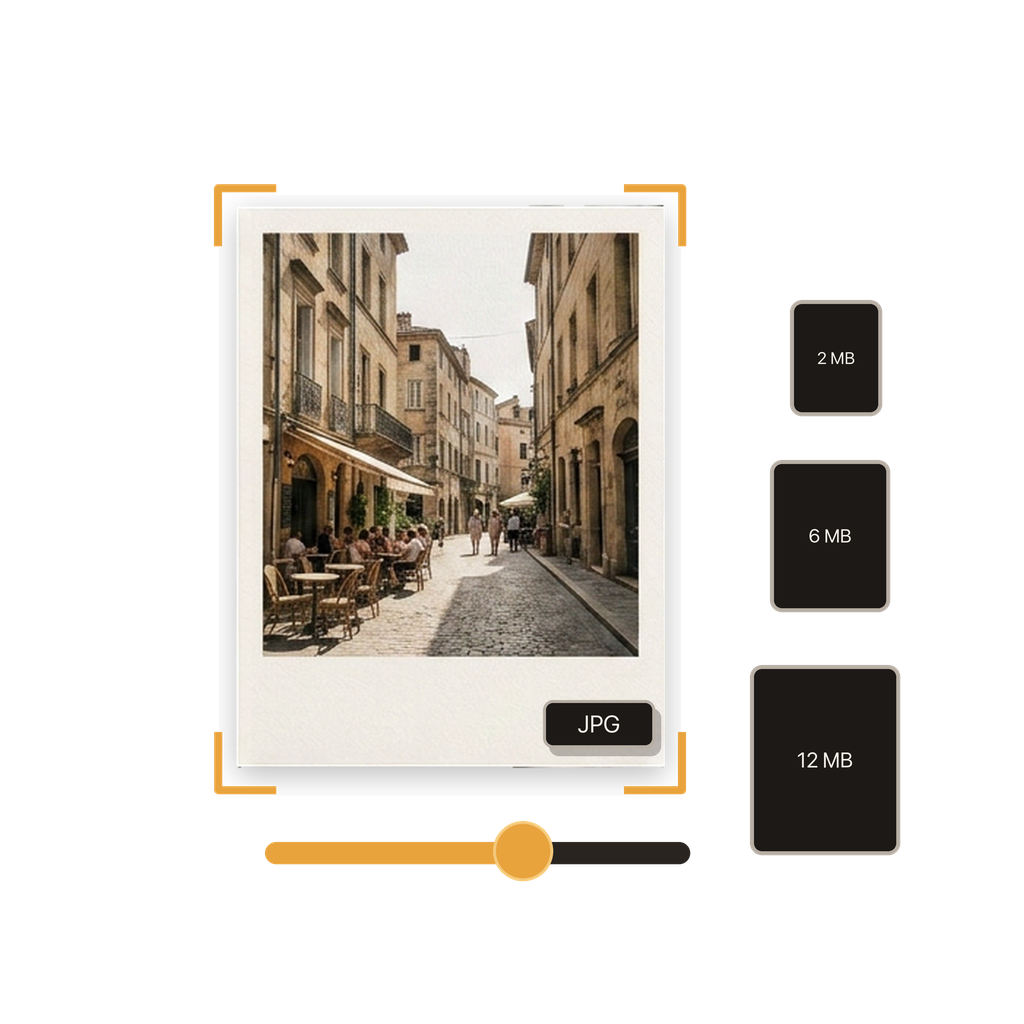
Lower JPG quality uses stronger compression while retaining the selected pixel dimensions. This can be useful when the destination needs the original dimensions but allows some compression. Reducing resolution removes pixels, which can make a larger difference when a form only needs a screen-sized image.
Start with the least disruptive change that fits the destination. Keep the original resolution when detail or future printing matters, and prefer a separate smaller copy for a profile image, support attachment, or form preview that does not need the full source dimensions.
How does the app help create an upload copy?
Batch HEIC to JPG Converter imports a photo from Photos or Files and creates a JPG with the quality and resolution you choose. The conversion runs on the iPhone, and the original HEIC remains separate from the new output.
If several images are going to the same destination, you can apply one configuration to the batch. Test a representative image first when the limit is strict, because image detail and content affect the final JPG size even when every image uses the same settings.
What does the app not guarantee?
A chosen quality percentage or resolution does not guarantee an exact number of kilobytes or megabytes. A detailed photo of leaves, hair, or texture may compress differently from a simple image with broad areas of similar color.
The app also cannot change the website’s acceptance rules or confirm that a submission meets non-image requirements. You still need to compare the saved JPG with the published limit and check the form’s preview or confirmation after selecting it.
How should you verify the smaller JPG?
Open the saved result and inspect important details, especially text, faces, edges, or fine texture. Confirm that the image is oriented correctly and that the destination can find the JPG in Photos or Files.
Then check the file information against the form’s maximum size and dimensions. If it is still too large, return to the source and make another JPG with a lower quality setting, a smaller resolution, or both. Keep the best acceptable copy rather than overwriting your original.
What should you check before trying the upload again?
A quick check separates the source you want to keep from the delivery copy the website needs.
- Confirm the form accepts JPG or JPEG.
- Write down its maximum file size and pixel dimensions.
- Keep the original HEIC photo unchanged.
- Open the converted JPG and inspect important detail.
- Verify the actual JPG size rather than estimating it from a setting.
- Select the new JPG—not the HEIC original—in the upload form.
Common questions
Does converting HEIC to JPG always make a photo smaller?
No. Final size depends on the source image, JPG quality, resolution, and image content. Create the JPG, then check its actual size against the destination’s limit.
Is quality the same as resolution?
No. Quality controls JPG compression, while resolution controls pixel dimensions. Either can affect file size, but they change the image in different ways.
Can I guarantee a JPG will be under a specific file size?
Not from a quality or resolution setting alone. Save the result and verify its actual size. If needed, revise the settings and create another copy.
Should I delete the original after making a smaller JPG?
Keep the HEIC original at least until the upload is accepted and you are certain the full-resolution source is no longer needed. Conversion creates a separate JPG output.
Can I make several photos smaller with the same settings?
Yes. You can convert a batch with shared quality and resolution settings. Check the actual size of each result when the destination enforces a strict per-file limit.